


FBP-A2 BP Monitor
The A2 is clinically validated for use during pregnancy and for users managing chronic conditions such as diabetes. A large 5.7" display shows your reading alongside a 7-day trend — no app needed. Enhanced motion detection reduces inaccurate readings from arm movement or shaking. Voice readout announces results hands-free. Two users can each store 250 readings, with a guest mode for occasional checks.
Features

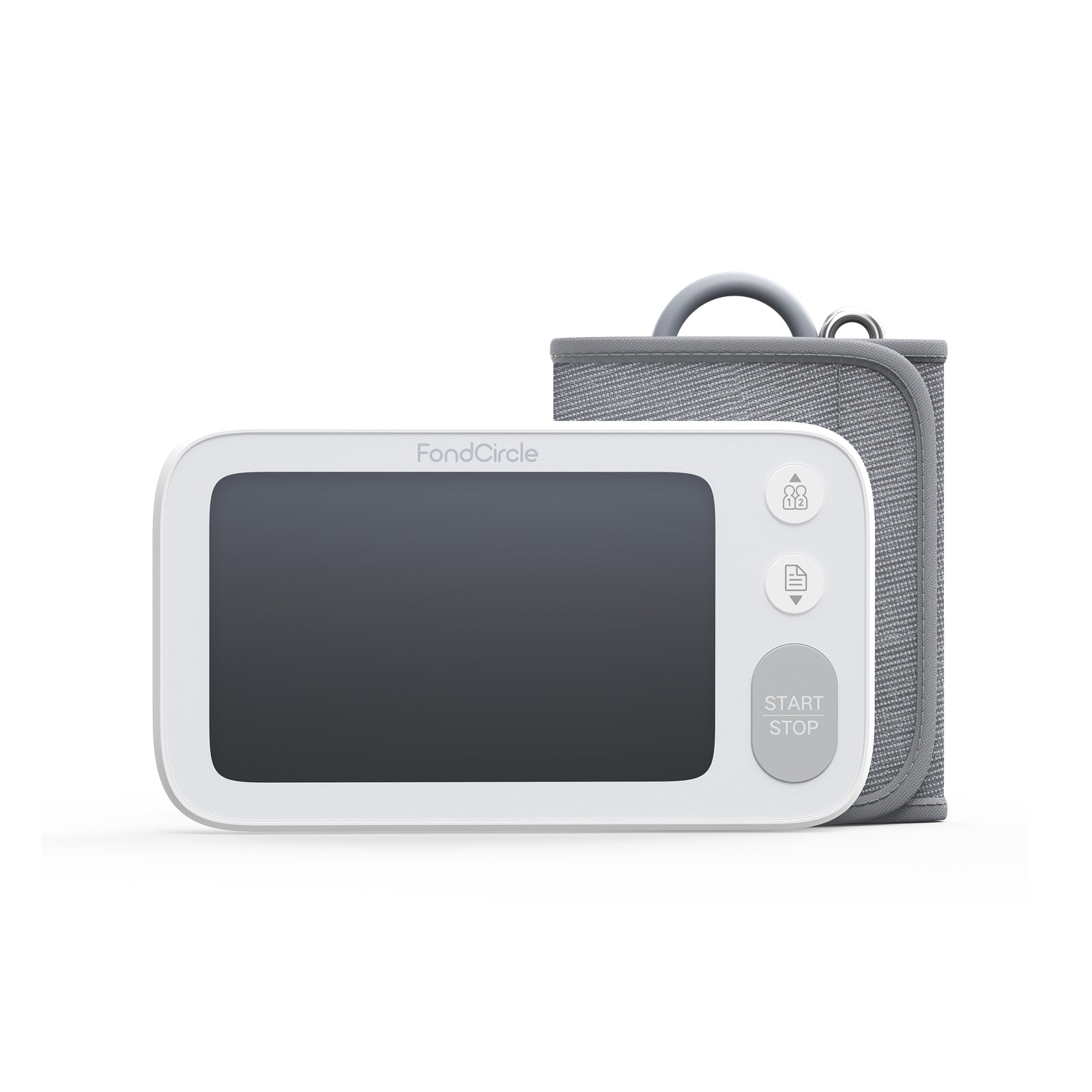
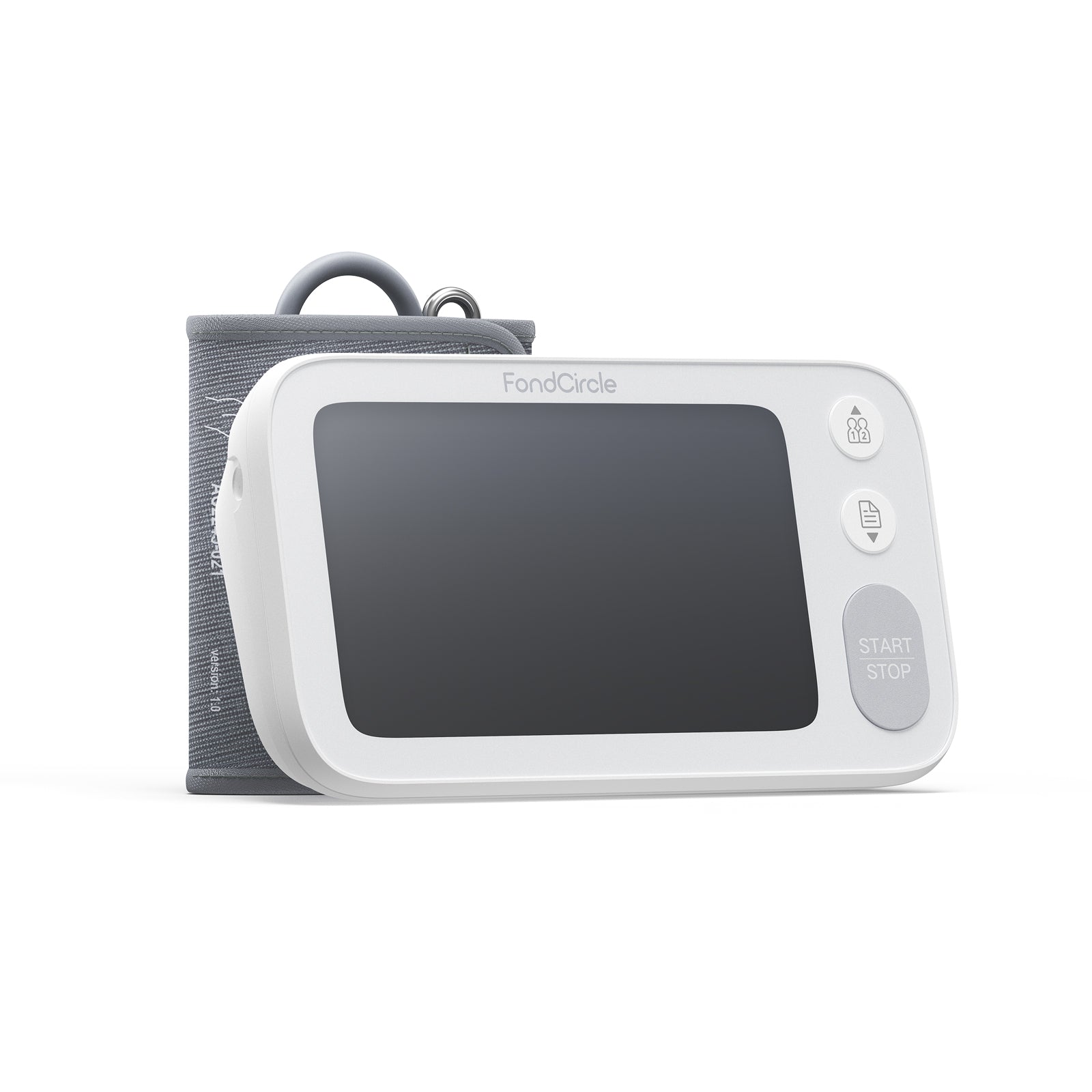
5.7" screen shows your reading and a 7-day trend — all in one place

Optional spoken readings — adjustable volume, hands-free

Sync readings and view trends over time

Two users, 250 readings each, plus a guest slot

Clinically validated for pregnancy and chronic condition management

Enhanced motion detection reduces readings affected by arm movement
FDA granted 510(k) clearance
FSA & HSA Payments Accepted
30-day risk-free trial
1-Year Warranty
Pairs well with
FBP-A2 BP Monitor

Pregnancy & Diabetes Algorithm
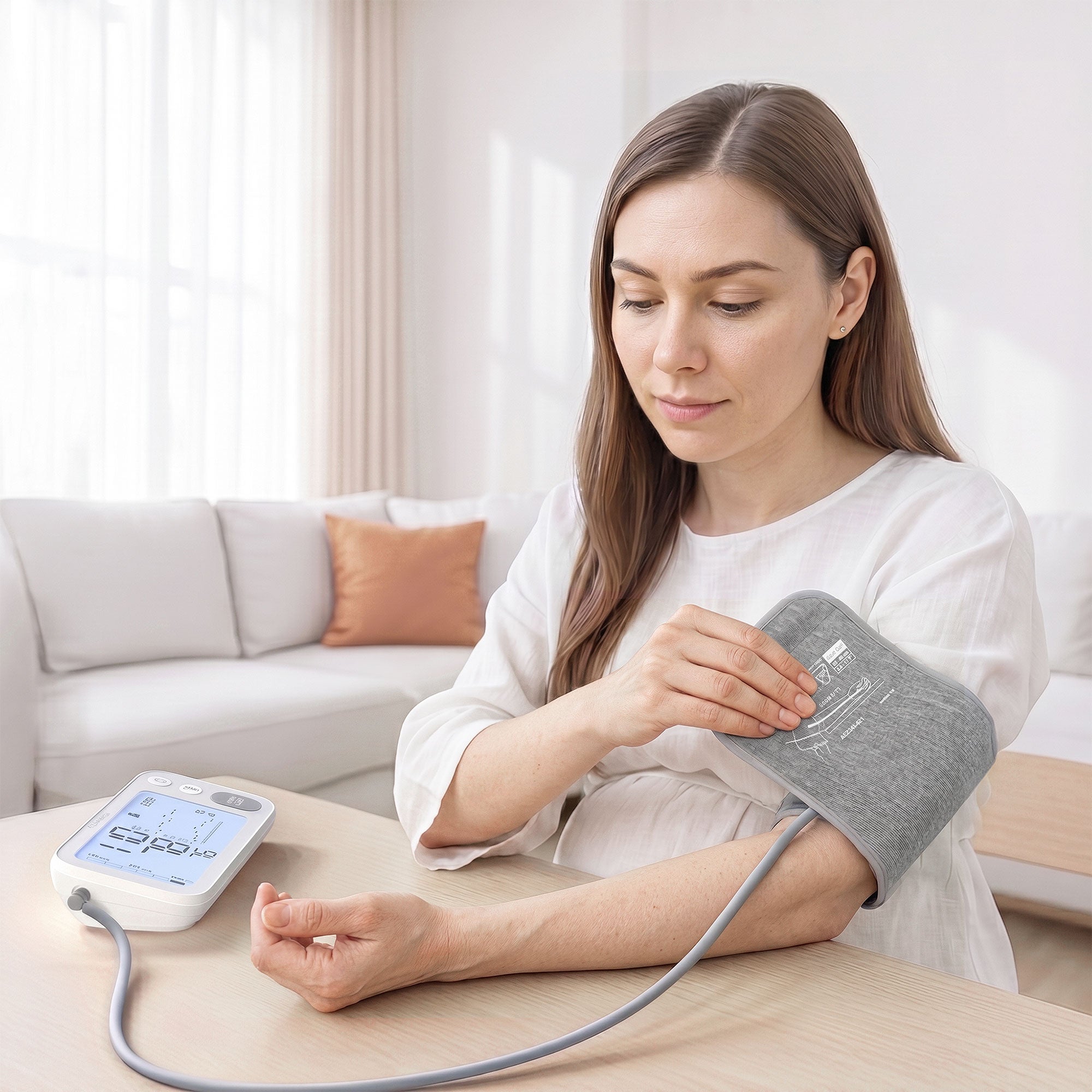
A Dedicated Algorithm for Pregnancy and Diabetes Users.
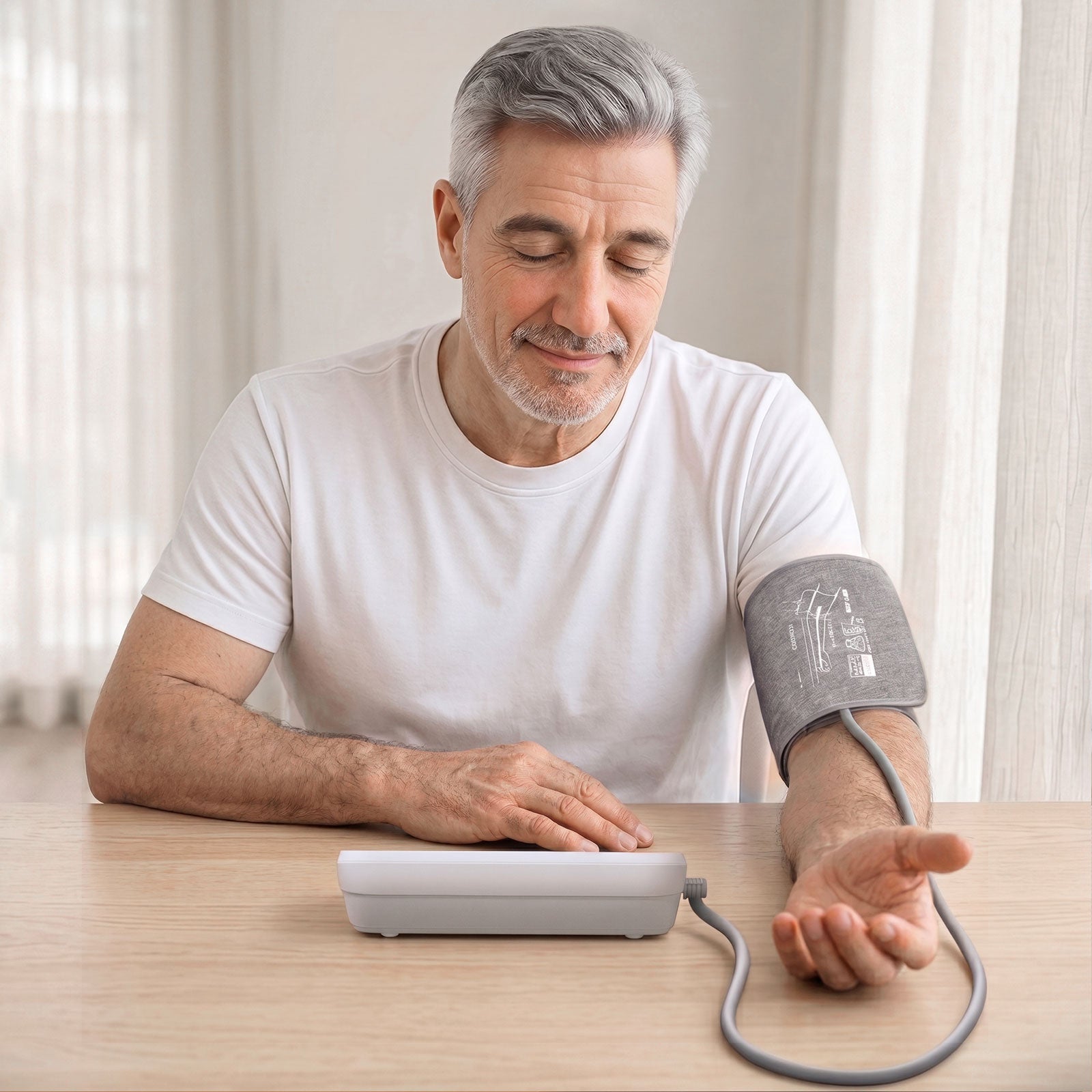
The A2 uses a dedicated blood pressure measurement algorithm for pregnancy and users with diabetes, with clinical validation support for those use cases. Enhanced motion detection helps reduce readings affected by arm movement or shaking. The 22–45 cm cuff fits most adults, including those with larger arms.
WideView
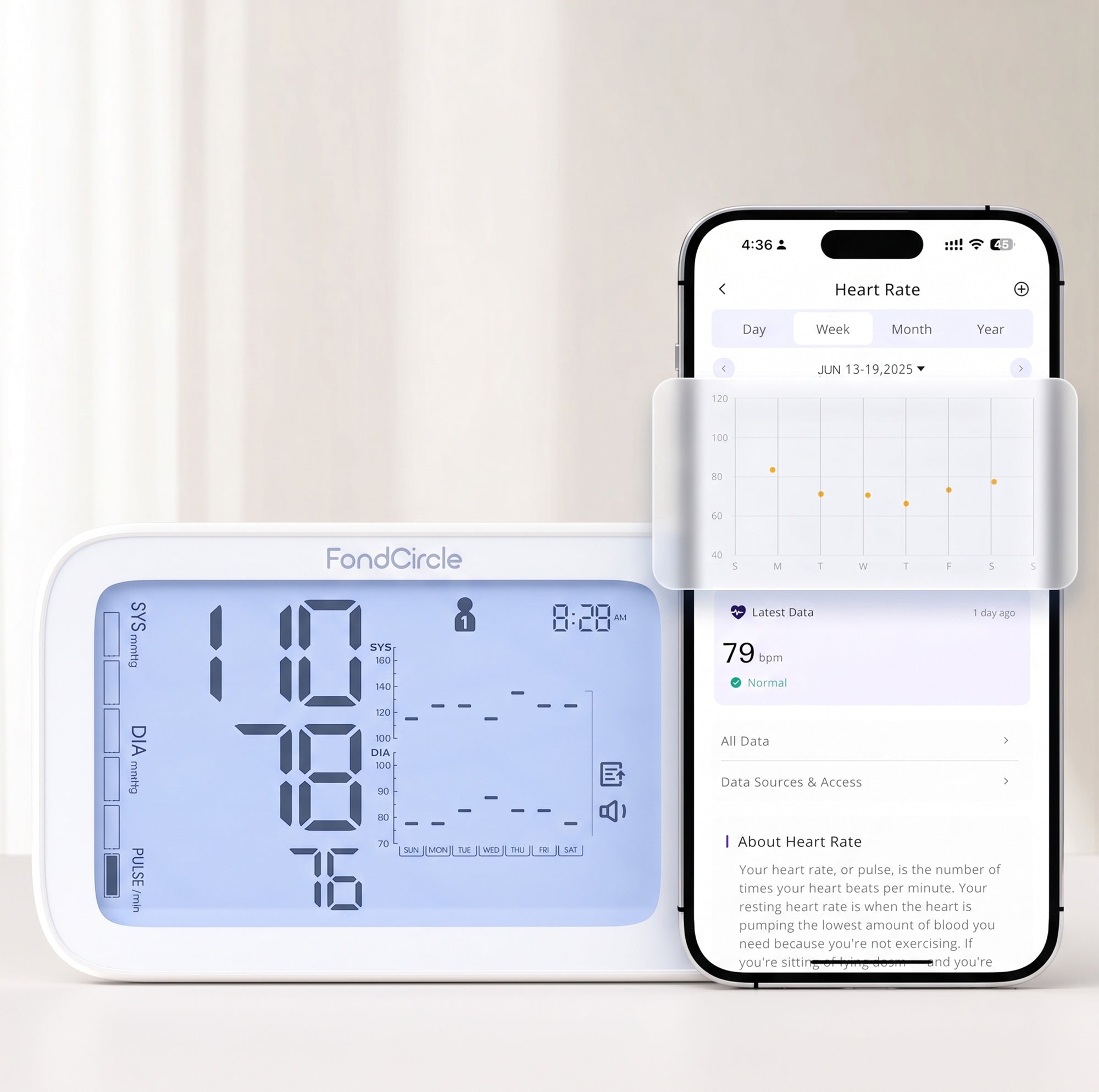
The Full Picture — Right on the Screen.
The A2's 5.7" display shows your current SYS, DIA, and pulse reading, plus a 7-day blood pressure trend chart — without opening the app. Large digits are easy to read in any light, with color-coded BP grade indicators and a voice readout option.
VoiceRead
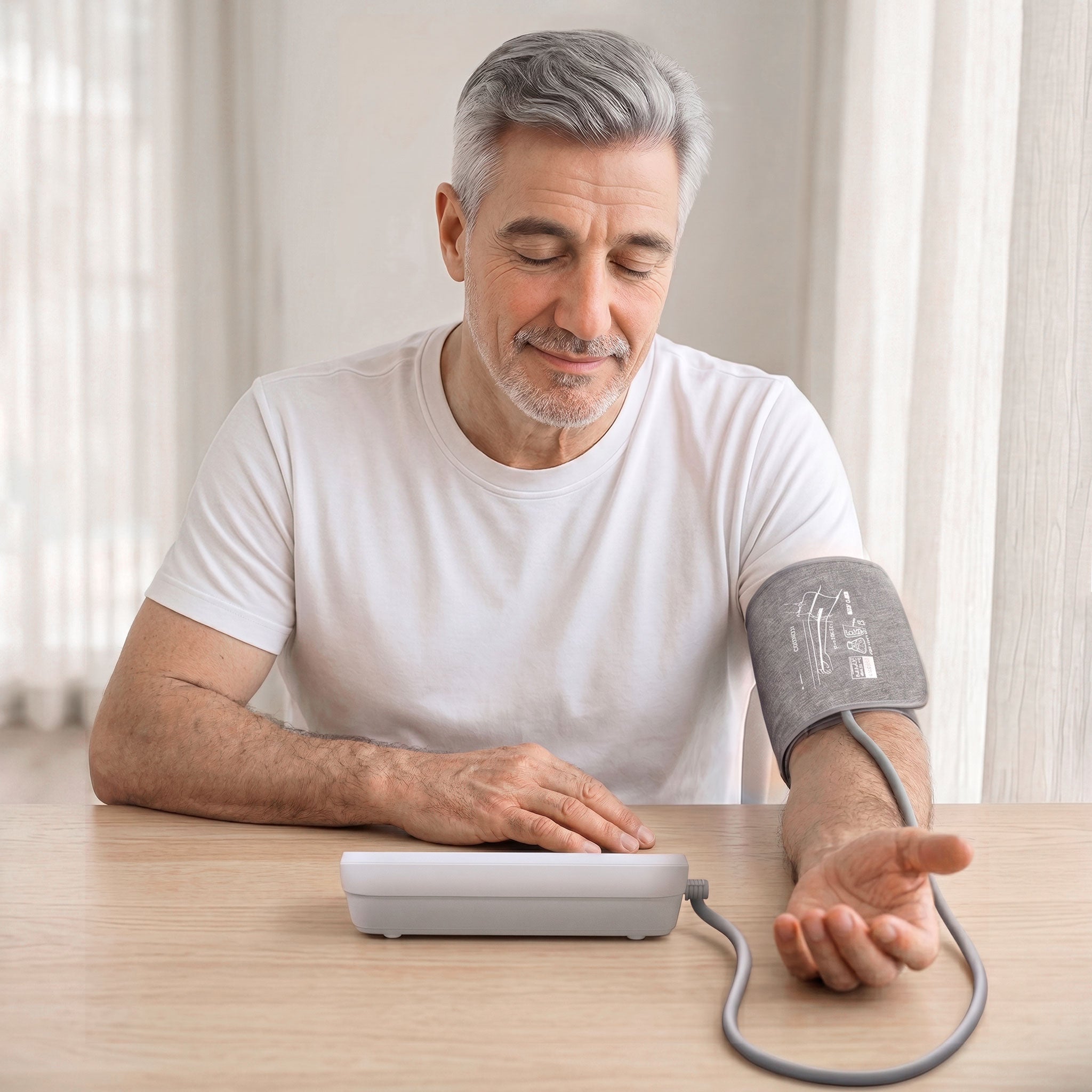
Hear Your Reading. No Squinting Required.
The A2 announces your blood pressure level and reading aloud — volume is adjustable, and voice readout can be turned off when not needed. Useful for low-light use, low vision, or anyone who simply prefers to listen rather than look at a screen.
FondCircle App
Get hospital-level care from home with FondCircle’s tele-health platform and smart devices for accurate, connected health monitoring.
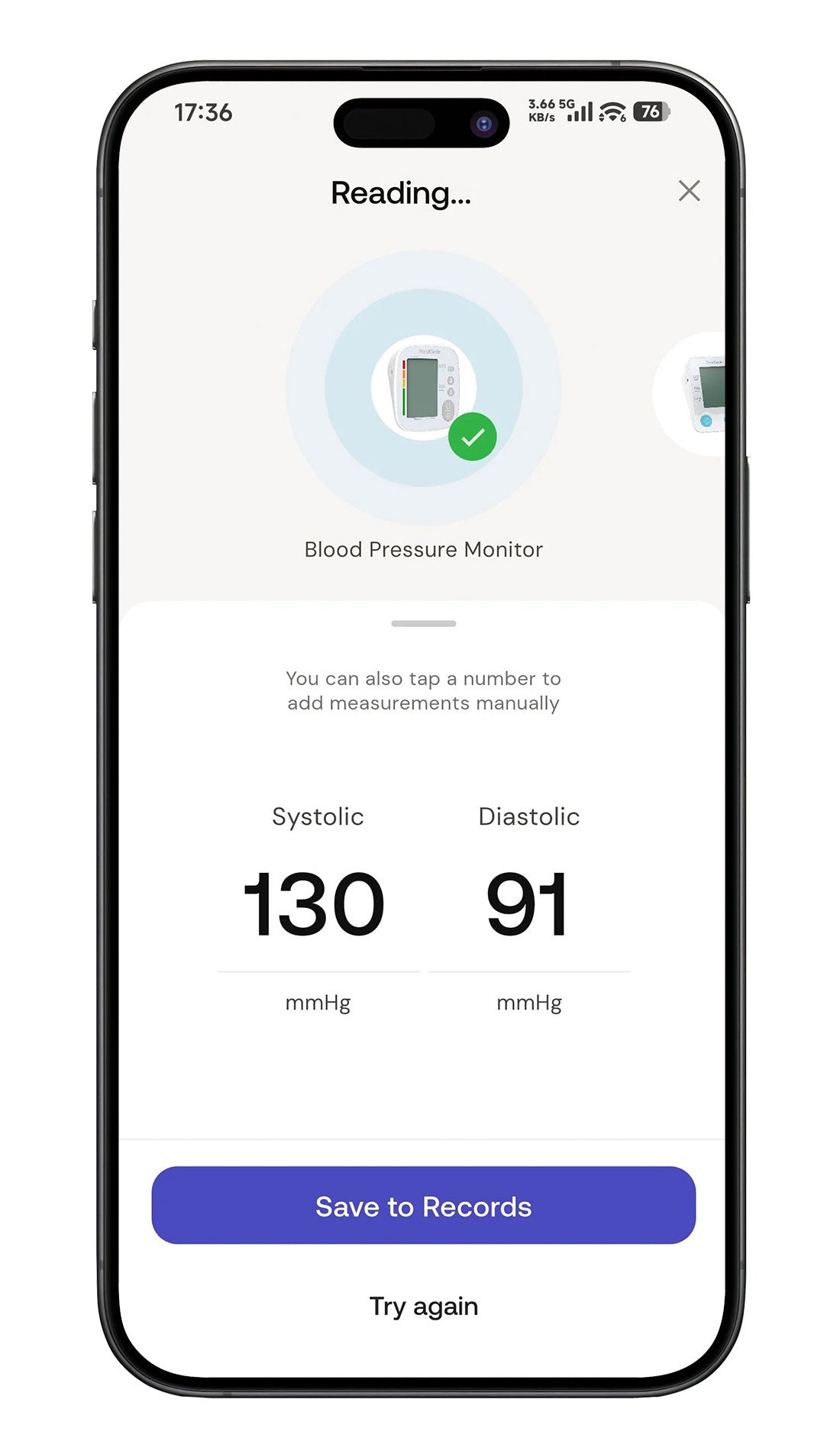
Easy to Track
The ability to view weekly, monthly, or yearly trends gives you an overview of your blood pressure’s evolution.
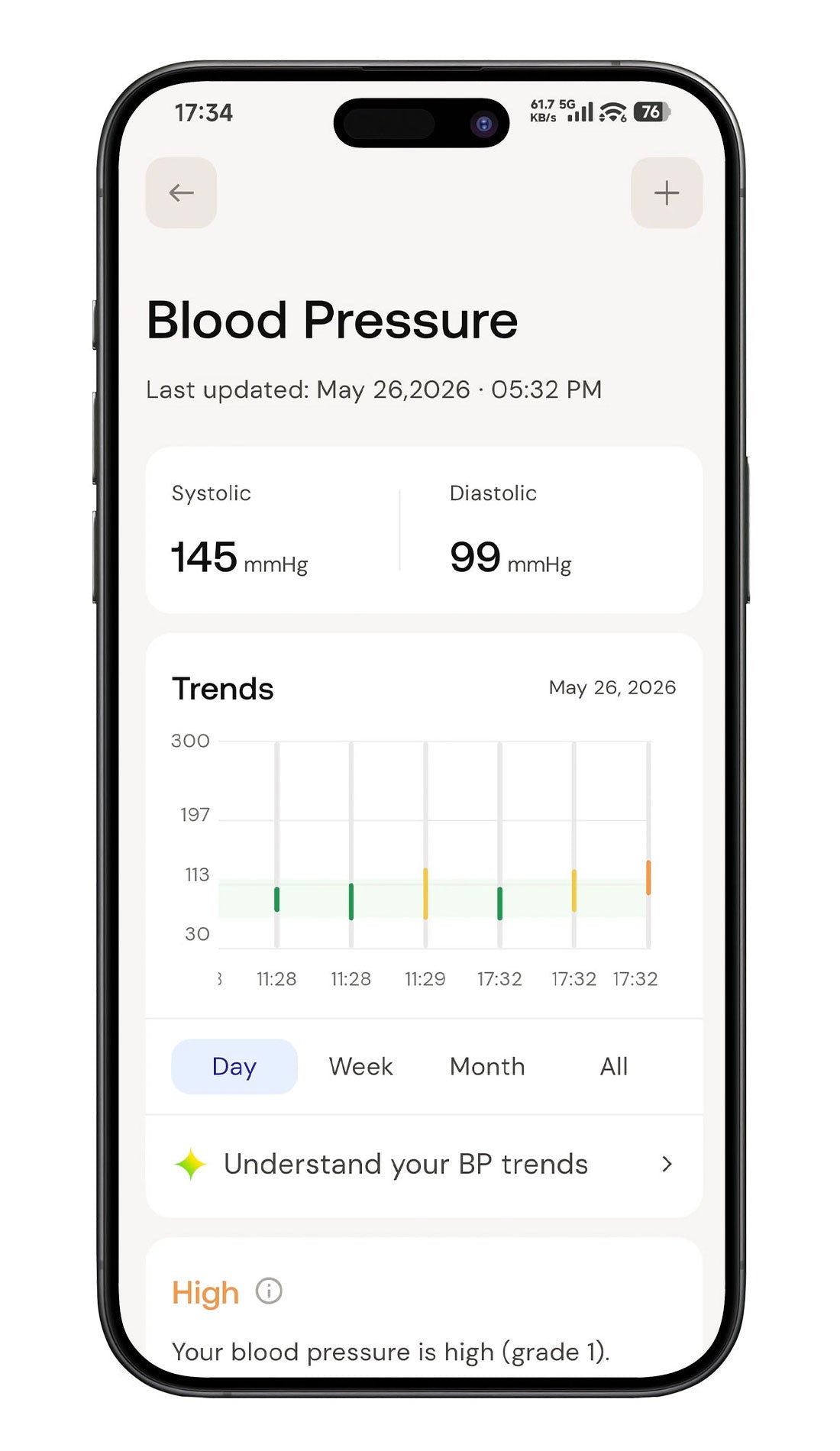
Insightful trends
The ability to view weekly, monthly, or yearly trends gives you an overview of your blood pressure’s evolution.
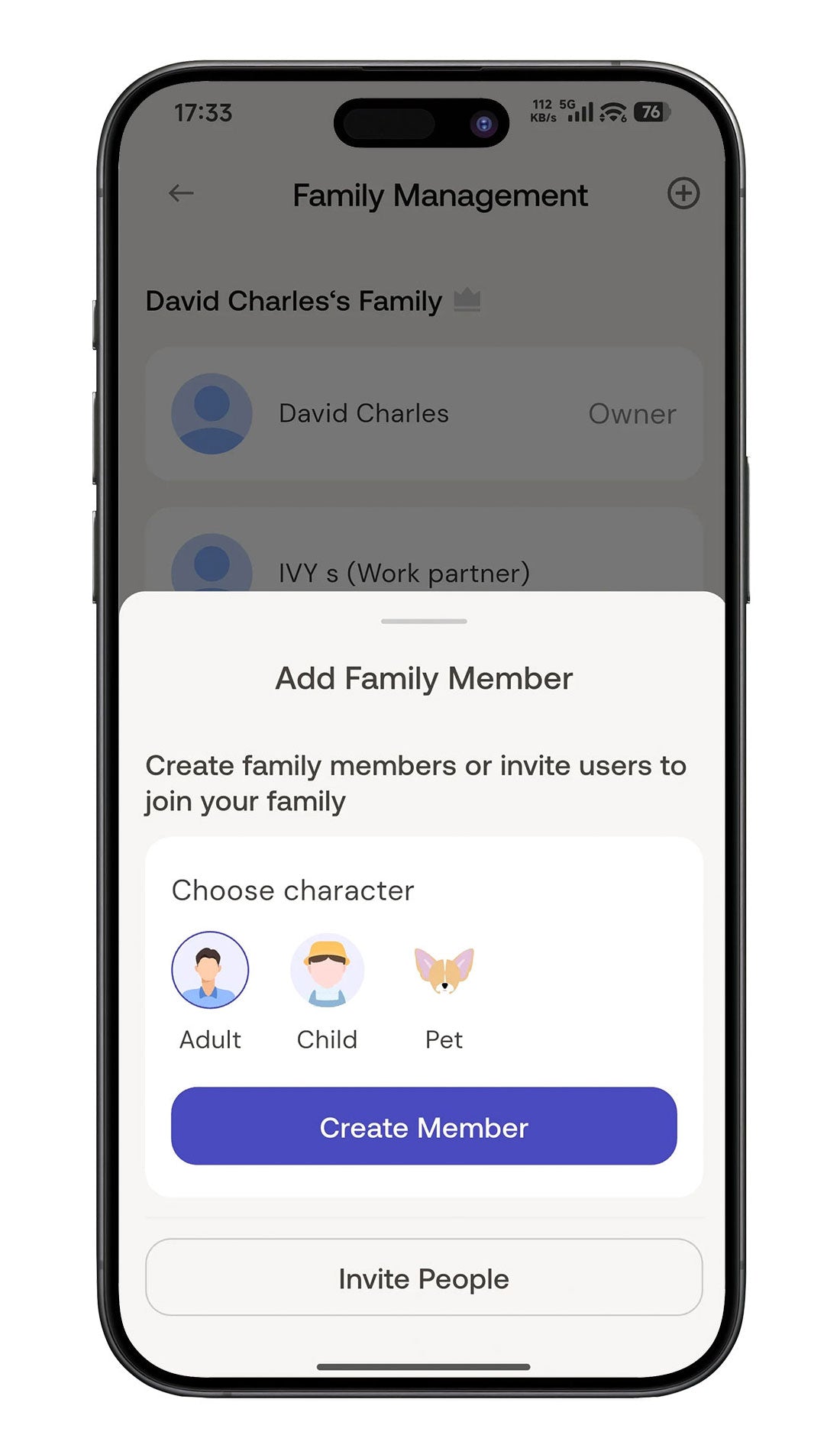
Invite Your Family
Invite your family to track together or share your information.
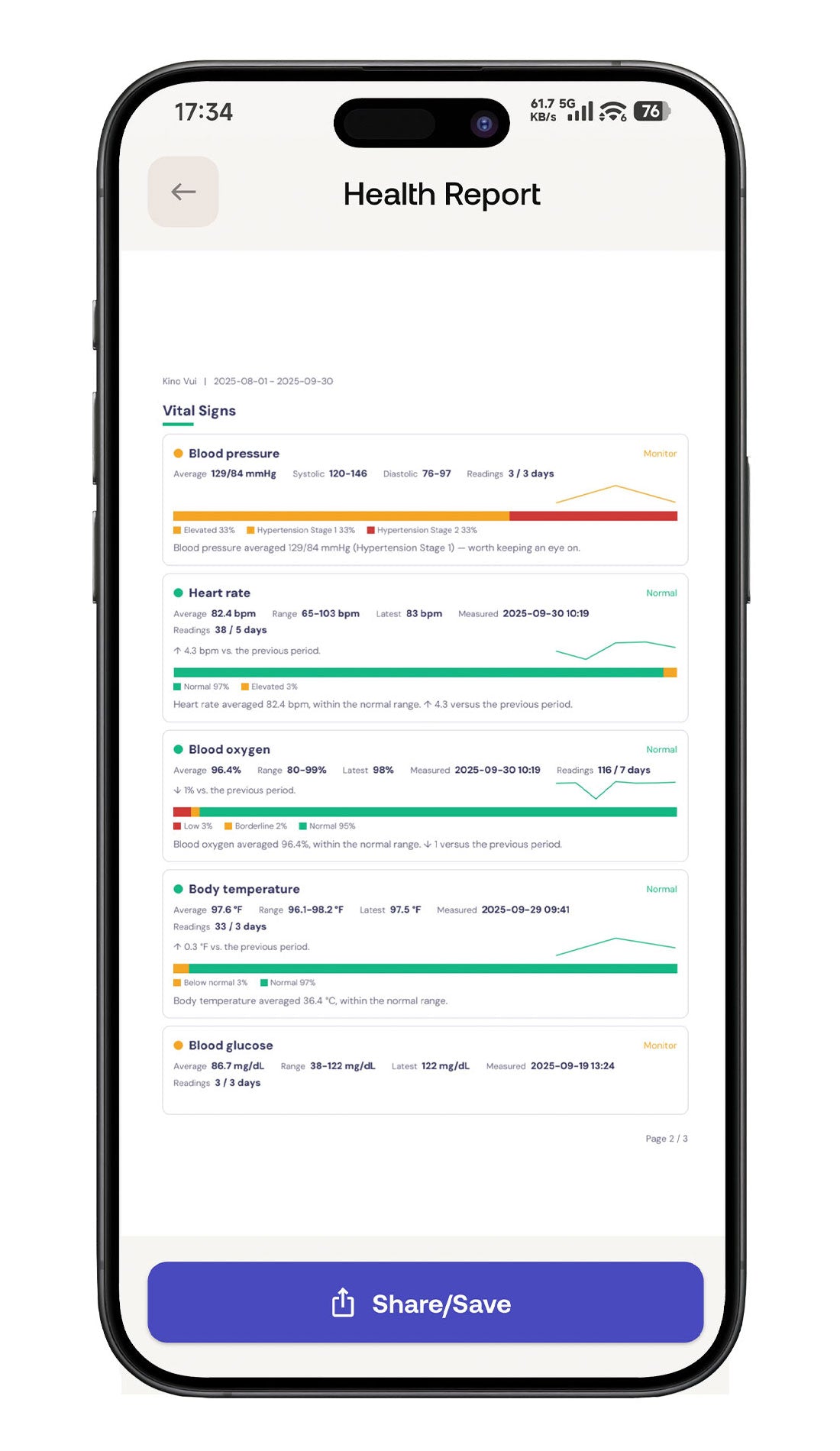
Easy to share
Share your information with family or doctors under your permission.
Stay Connected
to Your Health Records.
Connect supported FondCircle devices, track trends.
Review AI-powered insights, and share reports with the people you trust.


Data Protection
We protect your health.
We also protect your privacy.
The Fondcircle app handles your health data in accordance with HIPAA standards. Your readings stay on your device by default — sharing through CareShare is always initiated by you, and only reaches the people you choose. We do not sell your health data.
Specifications
| Model | FBP-A2 |
| Measurement method | Oscillometric |
| Blood pressure range | SYS 57–255 mmHg DIA 30–195 mmHg |
| Pulse range | 40–199 bpm |
| Accuracy | Pressure ±3 mmHg or ±2% (whichever is greater) Pulse ±5% |
| Memory | 250 readings × 2 users + guest mode |
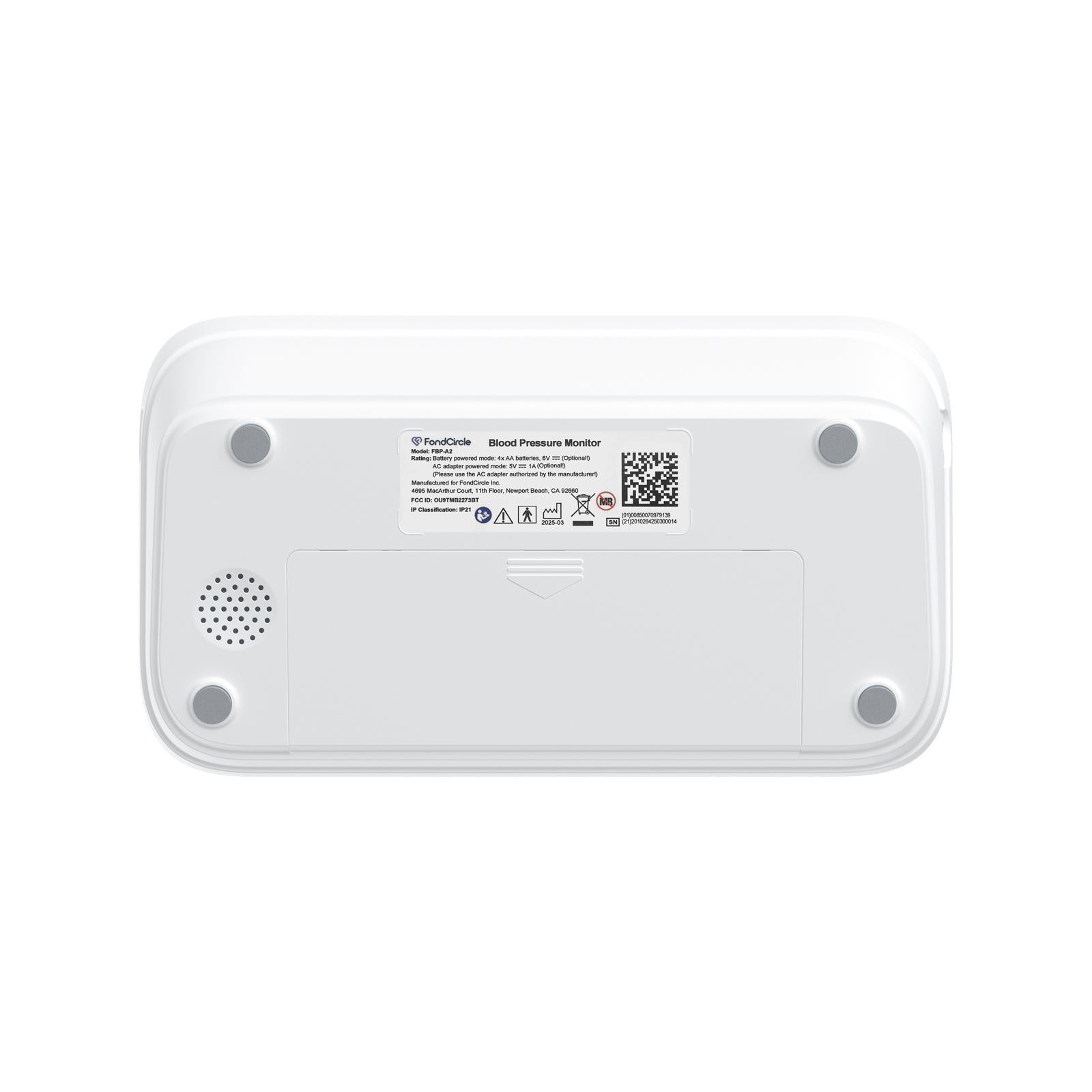
| Power | 4 × AA batteries / USB-C (DC 5V) |
| Display | Backlit LCD, 5.7" (124 × 76 mm) Built-in 7-day trend chart |
| Voice readout | Yes (adjustable volume) |
| Cuff | 22–45 cm / 8.7–17.7 in |
| Dimensions | 178 × 101 × 42.89 mm |
| Weight | Approx. 343 g (without batteries) |
What's in the Box
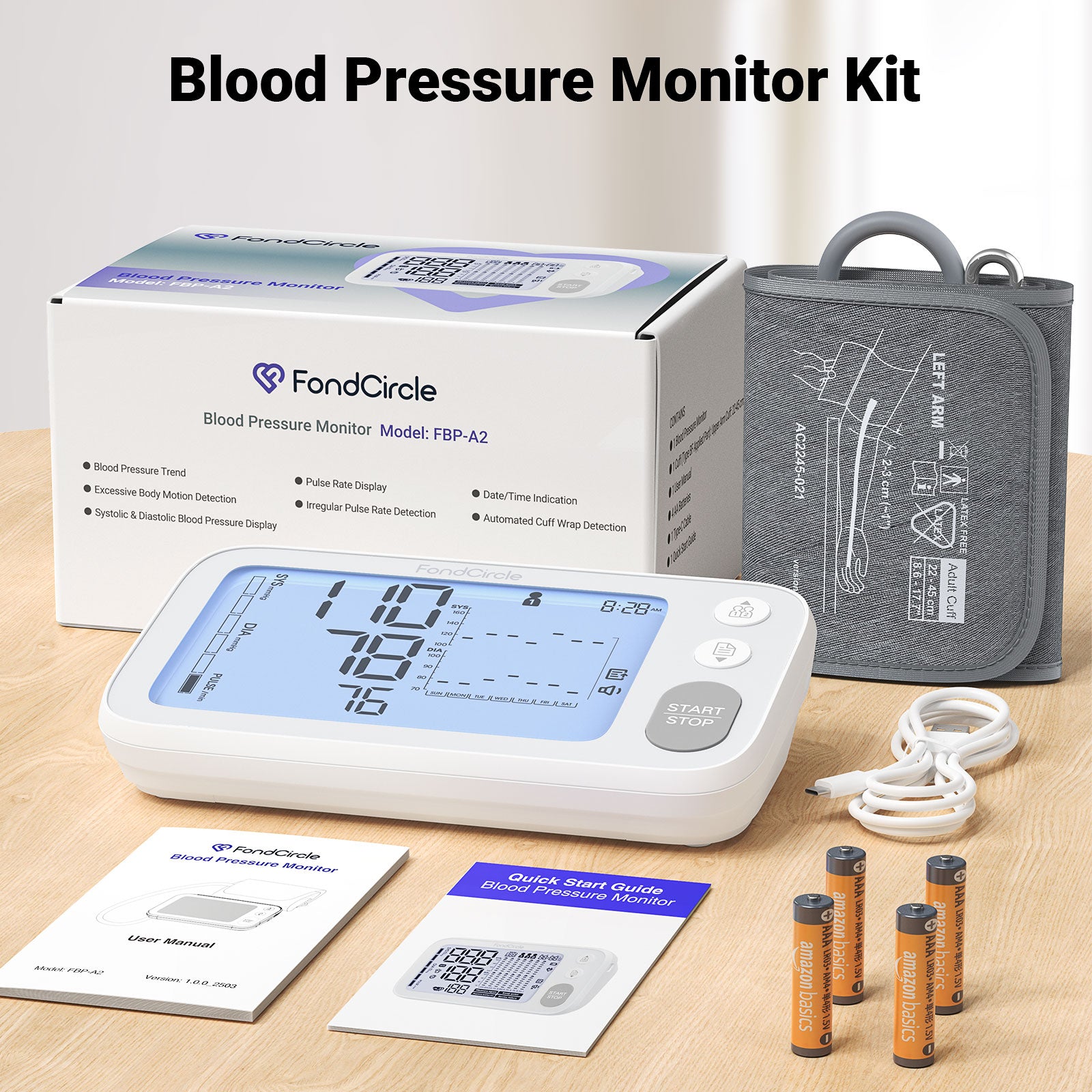
- FBP-A2 monitor unit × 1
- Upper arm cuff (22–45 cm) × 1
- USB-C cable × 1
- 4 × AA batteries
- Quick start guide
- User manual
FAQs
Please read our FAQs page to find out more.
What makes the A2 different from other FondCircle blood pressure monitors?
The A2 is designed around a dedicated blood pressure measurement algorithm for pregnancy and users with diabetes. It also includes a large display, voice readout, two-user plus guest mode, and App-based record tracking.
Do I need batteries to use the A2?
The A2 can be powered by 4 AA alkaline batteries or by the included Type-C cable with a compatible 5V/1A power adapter. It does not include a built-in rechargeable battery.
What cuff size does the A2 support?
The A2 uses an upper arm cuff listed in the PDP draft as 22-45 cm. Measure your upper arm before purchase and use the cuff according to the user manual.
How does the A2 connect to the FondCircle App?
Install the FondCircle App, sign in, enable Bluetooth, keep the monitor close to your phone, and add the device in the App. After taking a reading, follow the App prompts to update or upload the result if required.
Why are my A2 readings inconsistent?
Rest before measuring, avoid exercise, caffeine, alcohol, bathing, smoking, and emotional stress shortly before a reading, and sit still while measuring. Make sure the cuff is wrapped correctly and your arm is supported at heart level.
What should I check if the A2 will not turn on?
Check that the 4 AA batteries are installed in the correct direction, or connect the Type-C cable to a compatible 5V/1A adapter. Use the device within the recommended operating environment.